Are photos uploaded?
Files are processed in your browser.
Convert images to WebP for the web.
Choose an image to begin.
Content updated:
We created this artwork with shapes, text and gradients, then processed it with ToolTava. Download the original, select it in the tool and reproduce the settings below.
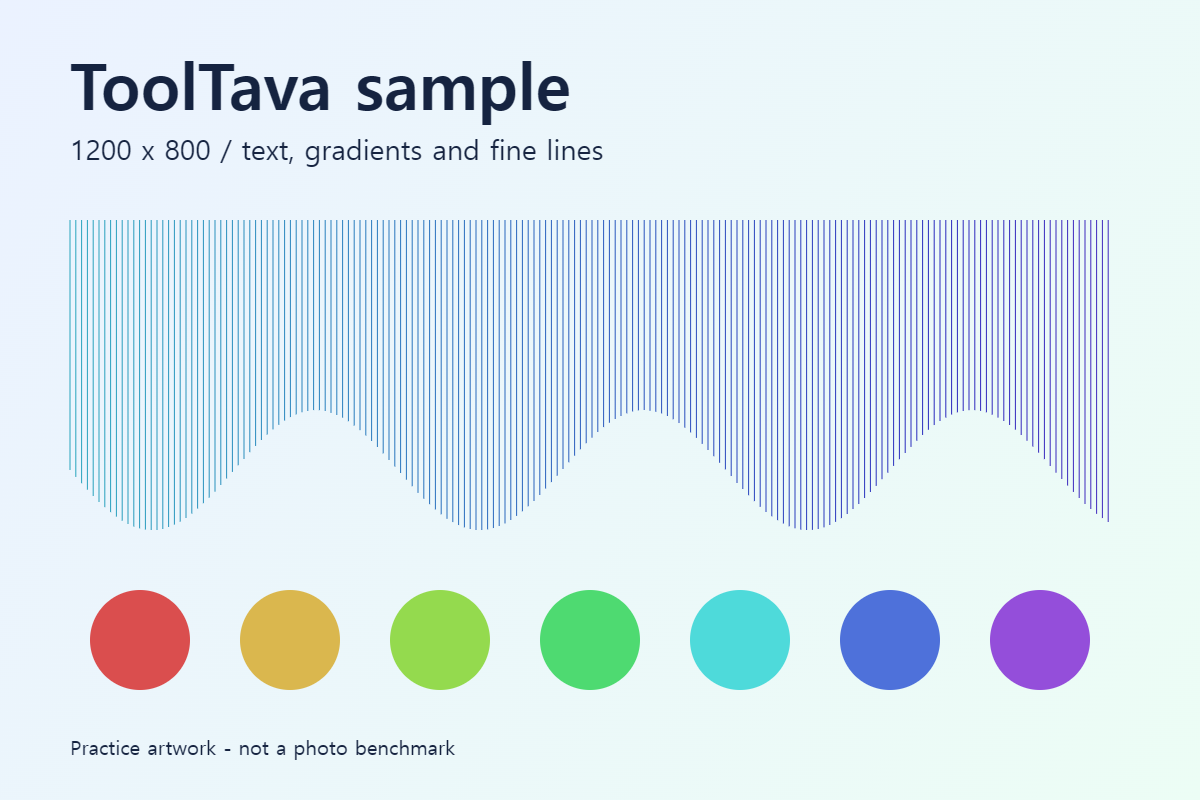
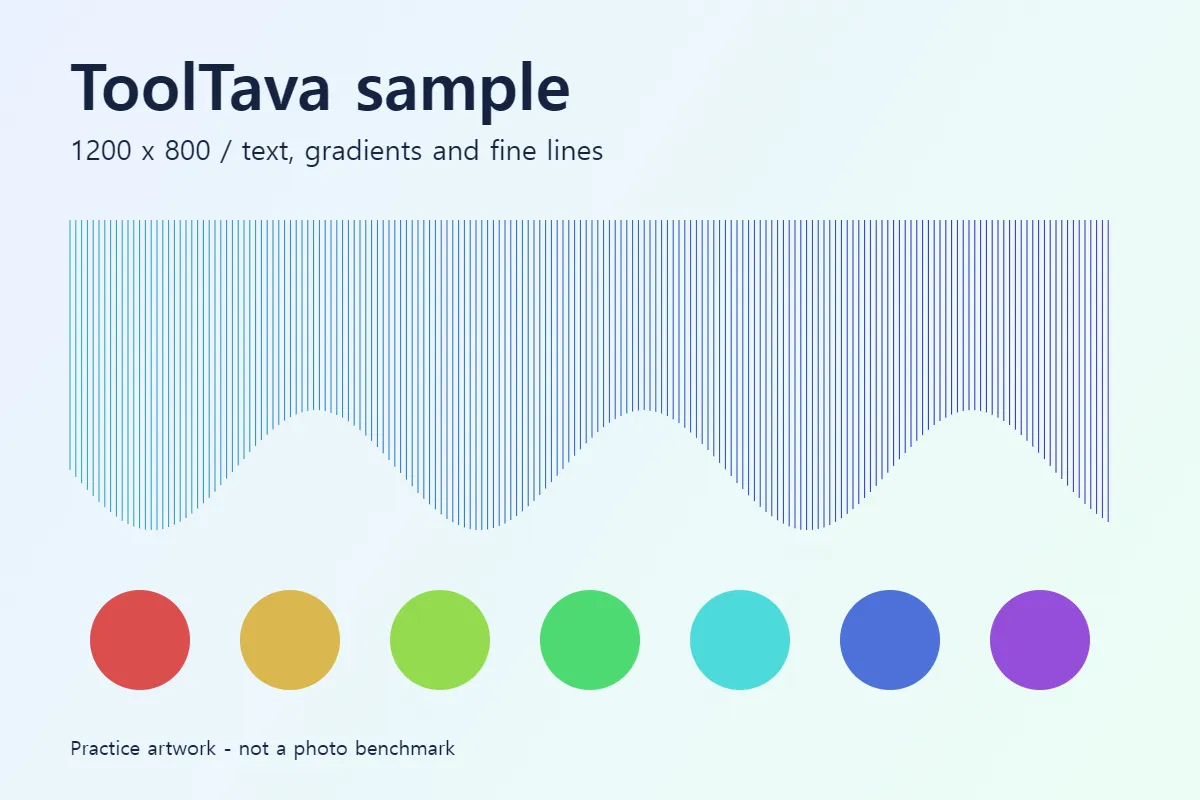
Measured in Chromium on September 26, 2026. Sizes are file bytes divided by 1,024. This is one synthetic image, not an average photo compression rate. Output varies by browser and image. Open files at their original size to compare fine lines and text edges; the previews alone are not a quality assessment.
Choose your images, select WebP and create the results. Conversion preserves pixel dimensions. Transparency is supported, but animations export only the first frame.
| Option | Useful for | What to check |
|---|---|---|
| WebP | Web photos and transparent images | Check whether the destination accepts WebP |
| JPG | Photos without transparency | This tool replaces transparent areas with white |
| PNG | Transparency and sharp graphics | No quality slider; output may be larger |
References: MDN: Image file formats · Content reviewed:
WebP conversion changes the file format while preserving pixel dimensions. Lower quality may reduce size at the cost of detail.
Files are processed in your browser.
PNG and WebP preserve transparency. JPG replaces it with white.
Size depends on image content and format. Compare the result with the original or lower quality.
Process up to 20 files, 100MB total, sequentially. Download a ZIP when at least two results are ready. With aspect ratio locked, resizing calculates each height from its original proportions. Animations export the first frame only.
No. An already compressed source or higher quality setting can produce a larger file. Compare the result size and preview.
Yes. Select JPG as the output format. Transparent areas become white.