Are photos uploaded?
Files are processed in your browser.
Resize an image to the dimensions you need.
Choose an image to begin.
Content updated:
With Keep original ratio enabled, the same width is applied to every file, but each height is calculated from that file’s original aspect ratio. Landscape and portrait images therefore produce different heights. These examples use a target width of 600px.
| Original dimensions | Keep ratio: width 600px | Unlock ratio: 600×600px |
|---|---|---|
| 1200×800px | 600×400px | 600×600px |
| 800×1200px | 600×900px | 600×600px |
| 1000×1000px | 600×600px | 600×600px |
Height = target width × original height ÷ original width, rounded to a whole pixel. Fixed dimensions stretch the image without cropping or padding, so a different aspect ratio causes distortion. Select up to 20 files, at most 100MB combined and 20MB per file. Input and output images must each stay within 8192px on the longest side and 16 million pixels in total.
Need a smaller file rather than different dimensions? Read the image compression guide.We created this artwork with shapes, text and gradients, then processed it with ToolTava. Download the original, select it in the tool and reproduce the settings below.
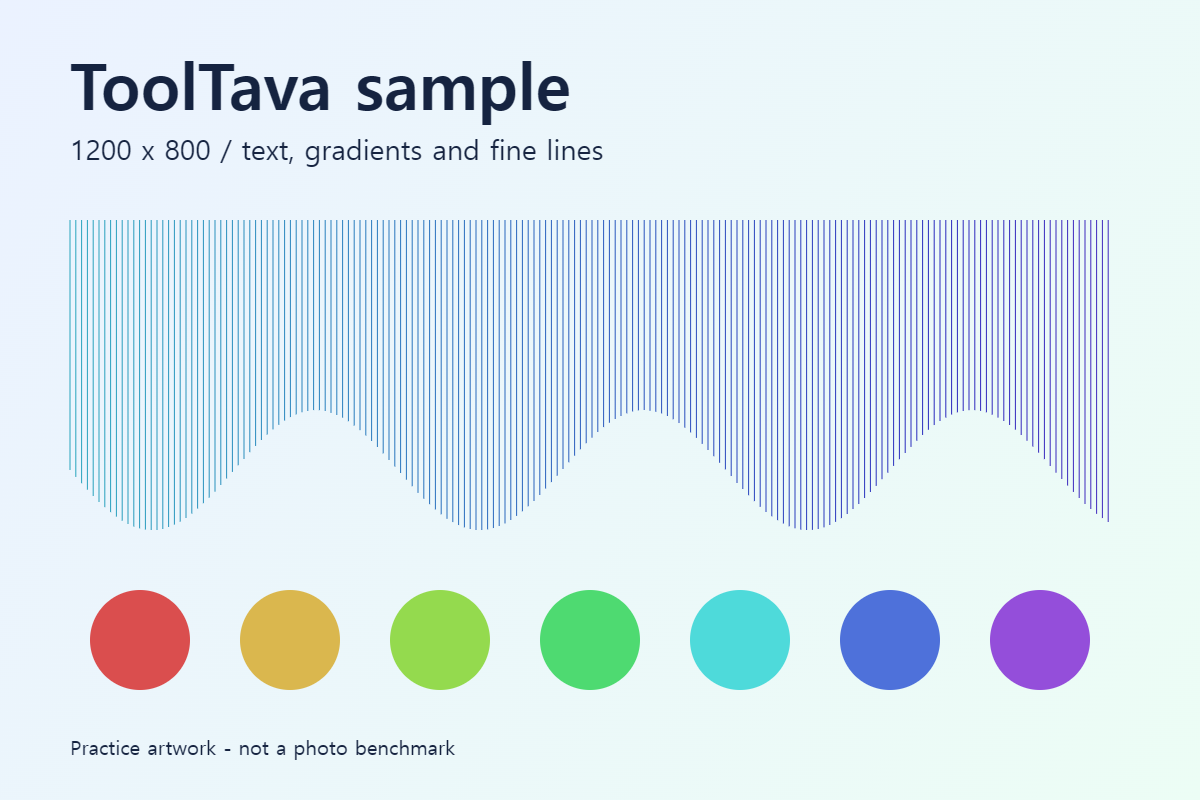
Measured in Chromium on September 26, 2026. Sizes are file bytes divided by 1,024. This is one synthetic image, not an average photo compression rate. Output varies by browser and image. Open files at their original size to compare fine lines and text edges; the previews alone are not a quality assessment.
Keep the original aspect ratio enabled and enter a width. Height is calculated automatically: 1200×800 becomes 600×400 at a width of 600px. Choosing a size preset turns off the aspect ratio lock.
| Option | Useful for | What to check |
|---|---|---|
| Keep aspect ratio | Reduce a photo width | Height follows the original ratio |
| Size preset | Match exact pixel dimensions | Unlocks ratio; different proportions may stretch |
| Custom width and height | Set your own dimensions | No cropping or padding |
600×400 halves both dimensions and quarters the pixel count. File size is not necessarily one quarter.
References: MDN: Image scaling · Content reviewed:
Resizing changes pixel dimensions. Lower JPG or WebP quality can reduce size and detail. PNG does not use the quality slider.
Files are processed in your browser.
PNG and WebP preserve transparency. JPG replaces it with white.
Size depends on image content and format. Compare the result with the original or lower quality.
Process up to 20 files, 100MB total, sequentially. Download a ZIP when at least two results are ready. With aspect ratio locked, resizing calculates each height from its original proportions. Animations export the first frame only.
No. It resizes to the specified width and height, which can stretch different proportions. It does not crop or add padding.
No. It increases pixel dimensions but does not provide AI upscaling or restore missing detail.